Gradient Aesthetic Wallpaper: Best Desktop and Phone Backgrounds for 2026
What Makes a Wallpaper Gradient Aesthetic?
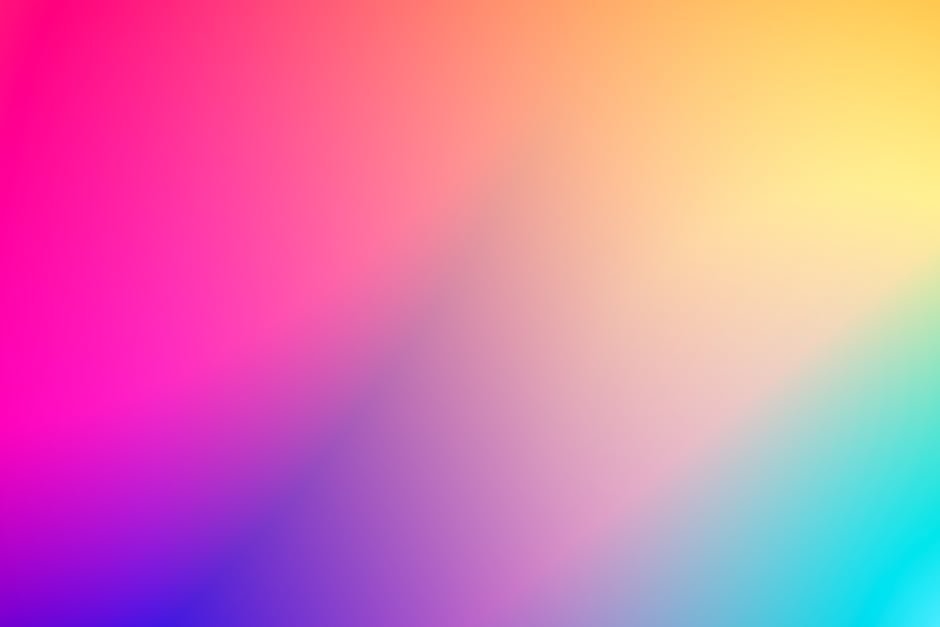
Gradient aesthetic wallpaper uses smooth color transitions — the same ombre and fade effects seen in sunset skies, gradient fashion, and contemporary digital art — as the primary visual element. Unlike solid-color or photographic wallpapers, gradient backgrounds create a mood through color alone. The way warm orange bleeds into deep magenta, or how pale lavender dissolves into soft white, triggers an emotional response before any subject matter enters the frame.
The gradient aesthetic as a visual style exploded in popularity through Instagram and Pinterest in the early 2020s and has continued to evolve. In 2026 the aesthetic spans minimalist single-axis color fades, complex radial gradients with multiple color stops, grainy film-textured gradients, and mesh gradients that move color in organic, non-linear paths across the image plane. What ties them together is the core principle: color as atmosphere.
Sunset Gradient Wallpapers
Sunset gradient wallpapers are the most searched and most shared category within the broader gradient aesthetic. The palette draws directly from the sky during the golden hour and blue hour — the twenty minutes before and after sunset when the sky moves through coral, orange, pink, magenta, and deep violet.
The appeal is universal. The sunset is one of the most culturally consistent symbols of beauty across every civilization, and translating that palette into a digital background carries that emotional weight into a screen environment. A sunset gradient desktop wallpaper transforms a monitor into something that feels warm and present rather than cold and functional.
Classic Sunset Gradient Color Ranges
- Deep golden hour: Amber to burnt orange to coral — warm and rich, pairs with dark mode apps beautifully
- Pink sunset: Warm peach to vivid pink to soft purple — the most photogenic and widely shared palette
- Blue hour: Deep orange at the horizon fading through magenta into night blue at the top — dramatic and cinematic
- Minimal sunset: Two-tone fade, apricot to pale lavender — subtle enough for work desktops, still carries the aesthetic
Pastel Gradient Wallpapers
Pastel gradient wallpapers use the same ombre technique but with desaturated, soft tones. The result is gentle and calming rather than vivid and energizing.
Mint to lavender, baby pink to periwinkle, soft peach to pale yellow. Pastel gradients became the defining visual of the softcore and cottagecore aesthetics and remain one of the most popular wallpaper styles for both desktop and phone.
Pastel gradient wallpapers tend to pair exceptionally well with light mode operating systems and apps. The soft tones don’t compete with UI elements and create a cohesive, airy feel across the whole screen environment. They also reduce visual fatigue for long work sessions compared to more saturated backgrounds.
Best Pastel Gradient Combinations
- Baby pink to lavender — the most popular pastel pairing, soft and universally flattering
- Mint to sky blue — clean and fresh, the digital equivalent of a spring morning
- Soft peach to pale rose — warmer and more romantic than the cool combinations
- Pale lilac to white — minimalist and elegant, almost invisible as a background until you look directly at it
- Butter yellow to blush — warm and cheerful, the pastel equivalent of a sunrise palette
Dark Gradient Wallpapers
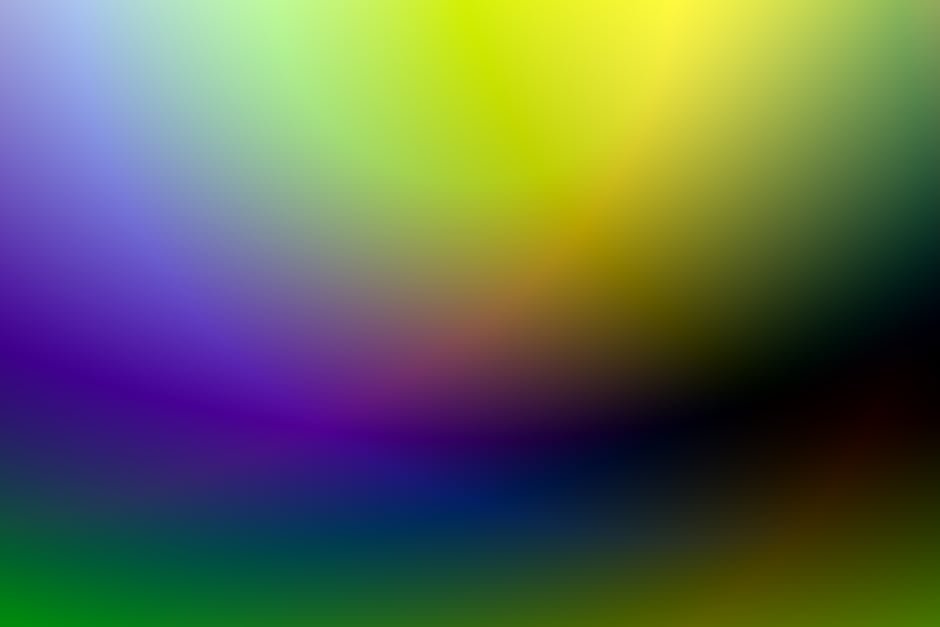
Dark gradient wallpapers — deep navy to black, dark purple to near-black, forest green to charcoal — have surged in popularity alongside the widespread adoption of dark mode across operating systems and apps. A dark gradient background creates a cohesive dark-mode environment where UI elements float naturally in a space that feels intentionally designed rather than simply set to black.
Dark gradients also work well for gaming setups and productivity environments where ambient screen glow matters. A deep blue-to-black gradient on a monitor creates less harsh contrast against the surrounding room than a pure black or white background.
Dark Gradient Color Ideas
- Midnight blue to black: Deep and cosmic, the most popular dark gradient for desktop setups
- Dark purple to black: Slightly warmer than navy, associated with creativity and premium aesthetics
- Dark teal to black: Less common but striking — the slight warmth of teal prevents the background from feeling cold
- Charcoal to dark burgundy: Rich and sophisticated, pairs well with productivity apps and professional contexts
Grainy Gradient Wallpapers
Grainy gradient wallpapers add a film grain or noise texture over a smooth gradient, producing an aesthetic that sits between analog and digital. The grain disrupts the mathematical perfection of the gradient and makes it feel more organic — like a faded photograph or a scanned piece of artwork rather than a render.
The grainy gradient has become one of the dominant aesthetic trends in design and branding over the past two years, appearing in product packaging, music covers, brand identities, and digital art. As a wallpaper it signals a specific design literacy — an awareness of aesthetic trends beyond the default options that ship with operating systems.
How to Find Gradient Aesthetic Wallpapers
Free Sources
- Unsplash: Search “gradient” or “ombre” — the photography community regularly uploads high-resolution gradient abstract images. Filter by landscape orientation for desktop, portrait for phone.
- Pinterest: The best discovery engine for aesthetic wallpapers. Search “gradient wallpaper aesthetic”, “sunset gradient desktop”, or “pastel gradient phone wallpaper” to find curated boards with hundreds of options.
- Wallhaven: A dedicated wallpaper site with a strong collection of gradient and abstract backgrounds, filterable by resolution and color palette.
- Pexels: Similar to Unsplash with a strong gradient abstract section.
Gradient Wallpaper Apps
- Gradienty (iOS/Android): Generates infinite gradient wallpapers from a color picker. One of the cleanest mobile gradient wallpaper tools available.
- Gradient Wallpapers (iOS): Curated library of gradient backgrounds with direct export to phone wallpaper.
- Walli: Artist-curated wallpaper app with a strong aesthetic and gradient section.
How to Create Your Own Gradient Wallpaper
Figma (Free, Browser-Based)
Create a rectangle at your exact screen resolution (2560×1440 for standard desktop, 1920×1080 for FHD, 1170×2532 for iPhone 14). Apply a linear gradient fill, add color stops, adjust positions and opacity.
Export as PNG. Figma’s gradient tool is precise enough for professional results and the free tier has no meaningful limitations for wallpaper creation.
CSS Gradient Generators
Sites like cssgradient.io let you build multi-stop linear, radial, and conic gradients visually and export them. For wallpaper use, take a screenshot of the full browser window or use a headless screenshot tool to capture the gradient at full resolution.
Adobe Photoshop / Illustrator
The gradient tool in both applications gives complete control over gradient type, angle, color stops, and opacity. For grainy gradients, add a noise layer or use the Add Noise filter over the base gradient. This is the most powerful option for complex mesh gradients or multi-layered gradient compositions.
Matching Gradient Wallpaper to Your Aesthetic
The most satisfying desktop setups treat the wallpaper as a foundation for the whole visual environment. If your apps are predominantly in dark mode, lean into dark gradients or high-contrast sunset palettes where the dark end of the gradient anchors the composition. If you prefer light mode, pastel gradients create a cohesive and airy workspace.
Consider the color temperature of your physical environment too. Warm lighting in your room pairs naturally with sunset and golden palette gradients. Cool-toned monitors and lighting pair better with blue, teal, and cool pastel gradients.
The gradient aesthetic extends well beyond wallpapers into fashion and product design, where similar principles of colour transition and tonal layering are shaping how collections are built. Vogue’s Resort 2026 trend report reflects the same design sensibility — colour gradients, tonal builds, and aesthetic coherence — applied to wearable pieces.
Frequently Asked Questions
What resolution should a desktop gradient wallpaper be?
Match your screen resolution exactly. For most modern monitors this is 1920×1080 (FHD), 2560×1440 (QHD), or 3840×2160 (4K). For MacBook Retina displays, 2560×1600 or 3456×2234 depending on the model. Gradient wallpapers at lower resolution than your screen will appear slightly soft or blurry.
Do gradient wallpapers drain phone battery?
On OLED screens, black pixels consume no power, so very dark gradient wallpapers (dark at the top or bottom of the screen) marginally extend battery life compared to fully bright wallpapers. The difference is negligible in practice. On LCD screens, the backlight brightness is the dominant battery factor and wallpaper color has minimal impact.
What app makes gradient wallpapers?
Gradienty and Gradient Wallpapers on iOS are purpose-built for this. Figma is the best free browser-based option for creating custom gradients at any resolution. For the most control, Adobe Photoshop or Illustrator give the widest range of gradient types and effects including mesh gradients and grainy texture overlays.